Buy your license key.
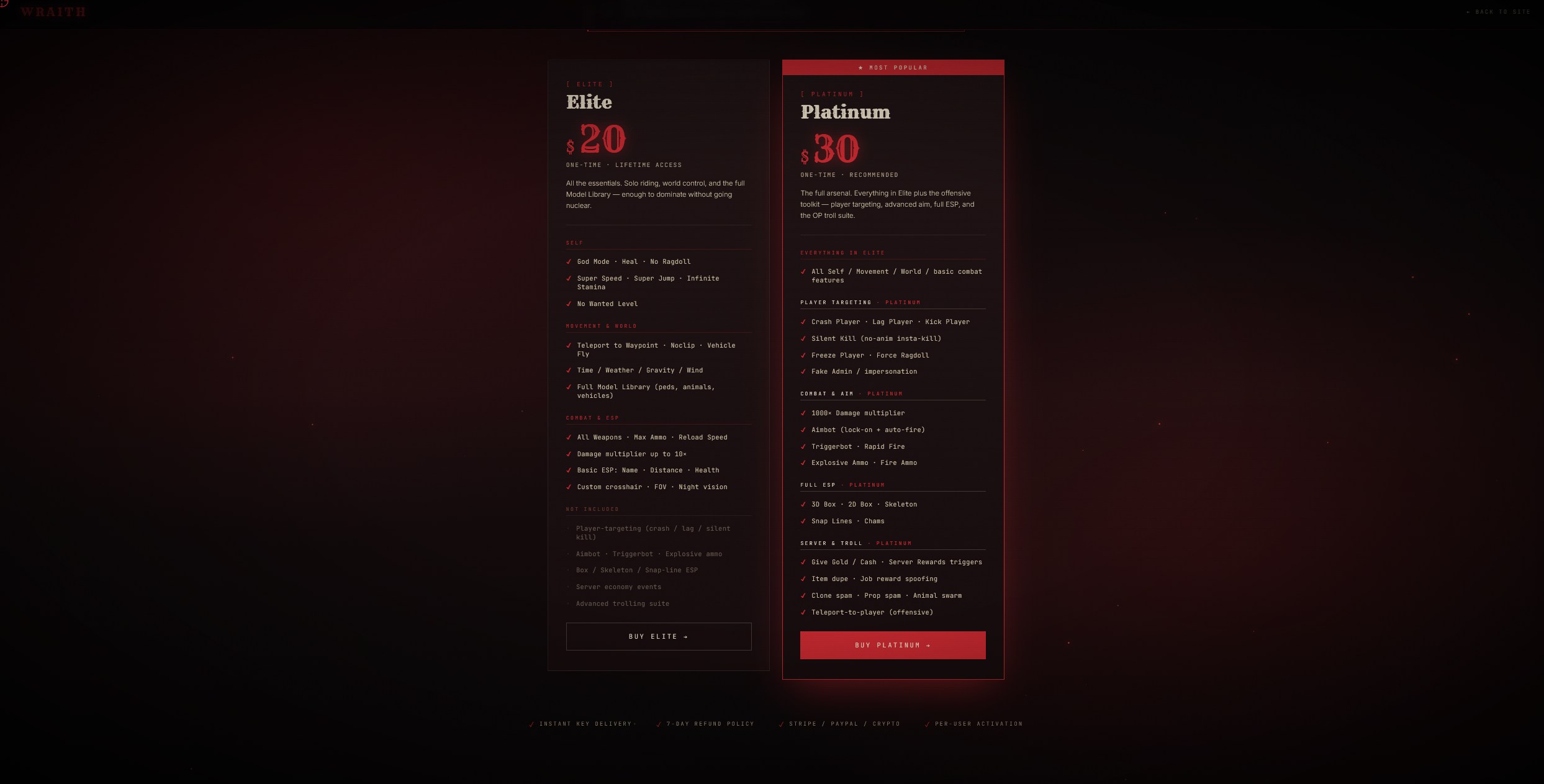
Pick a tier on the buy page — Elite or Platinum. Pay once. Your license key is delivered instantly to the email you used at checkout.
Check your spam folder if the key doesn't arrive within 60 seconds.
Eight steps from key to ride. Pick your menu, follow the trail, the wraith answers when called.
Wraith currently rides exclusively on Scooby Menu. Other base menus are on the trail — we'll list them here as compatibility lands.
Pick a tier on the buy page — Elite or Platinum. Pay once. Your license key is delivered instantly to the email you used at checkout.
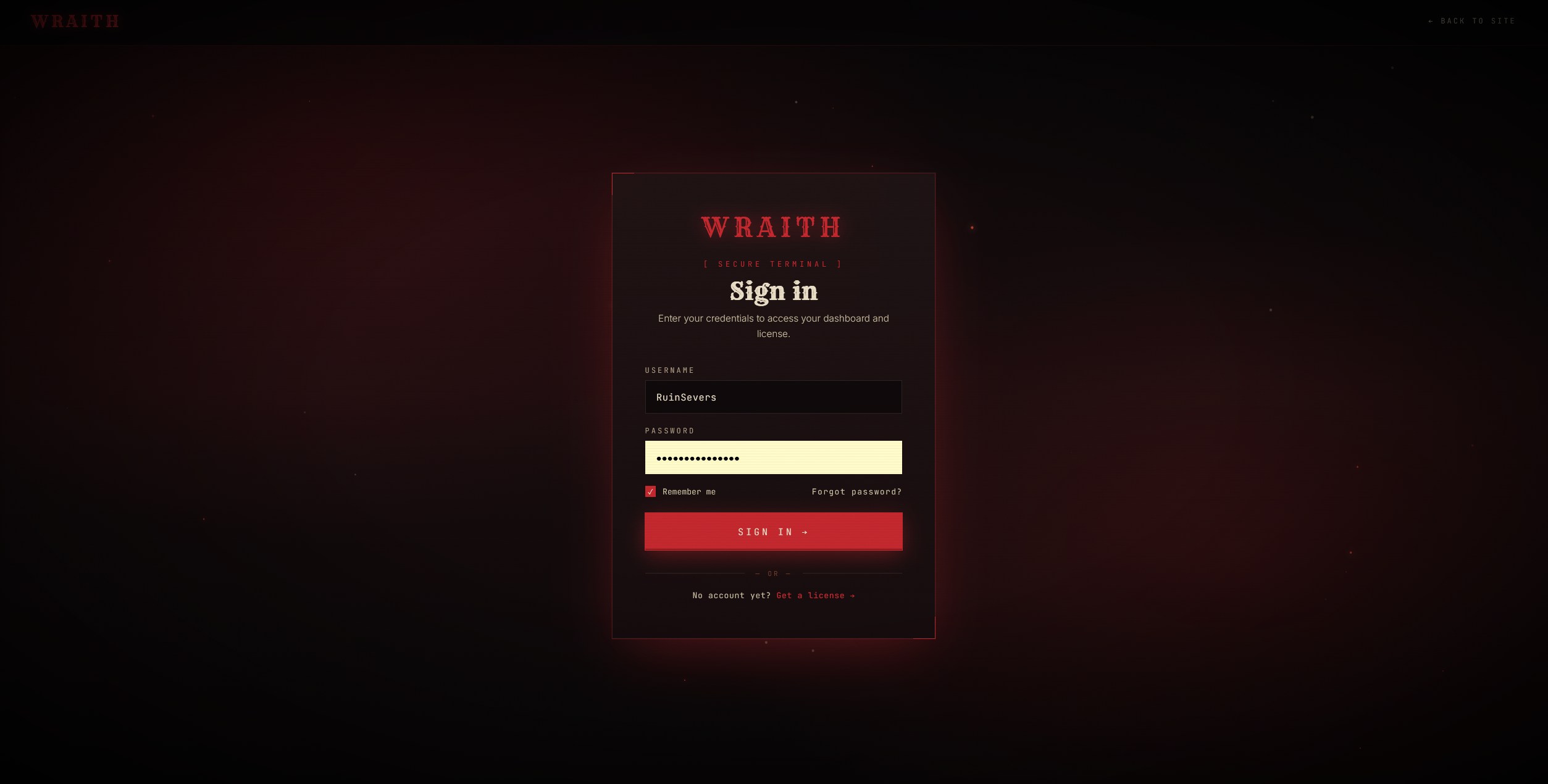
If you already have a Scooby account, just sign in with it — no need to make a second one. New rider? Register a fresh account in under a minute.
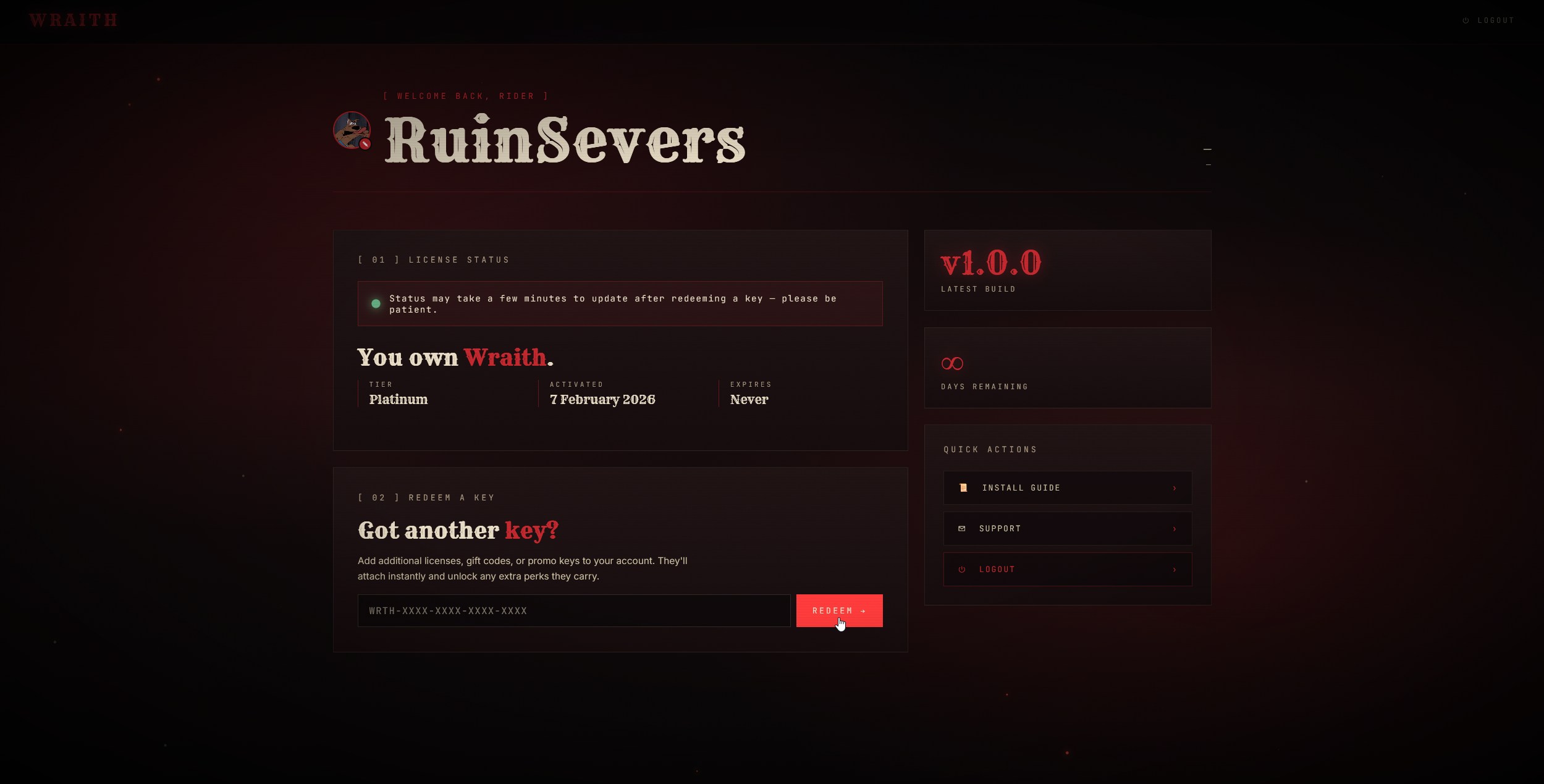
Open your dashboard and paste the license key you received. Wraith will be tied to your account — no further activation needed.
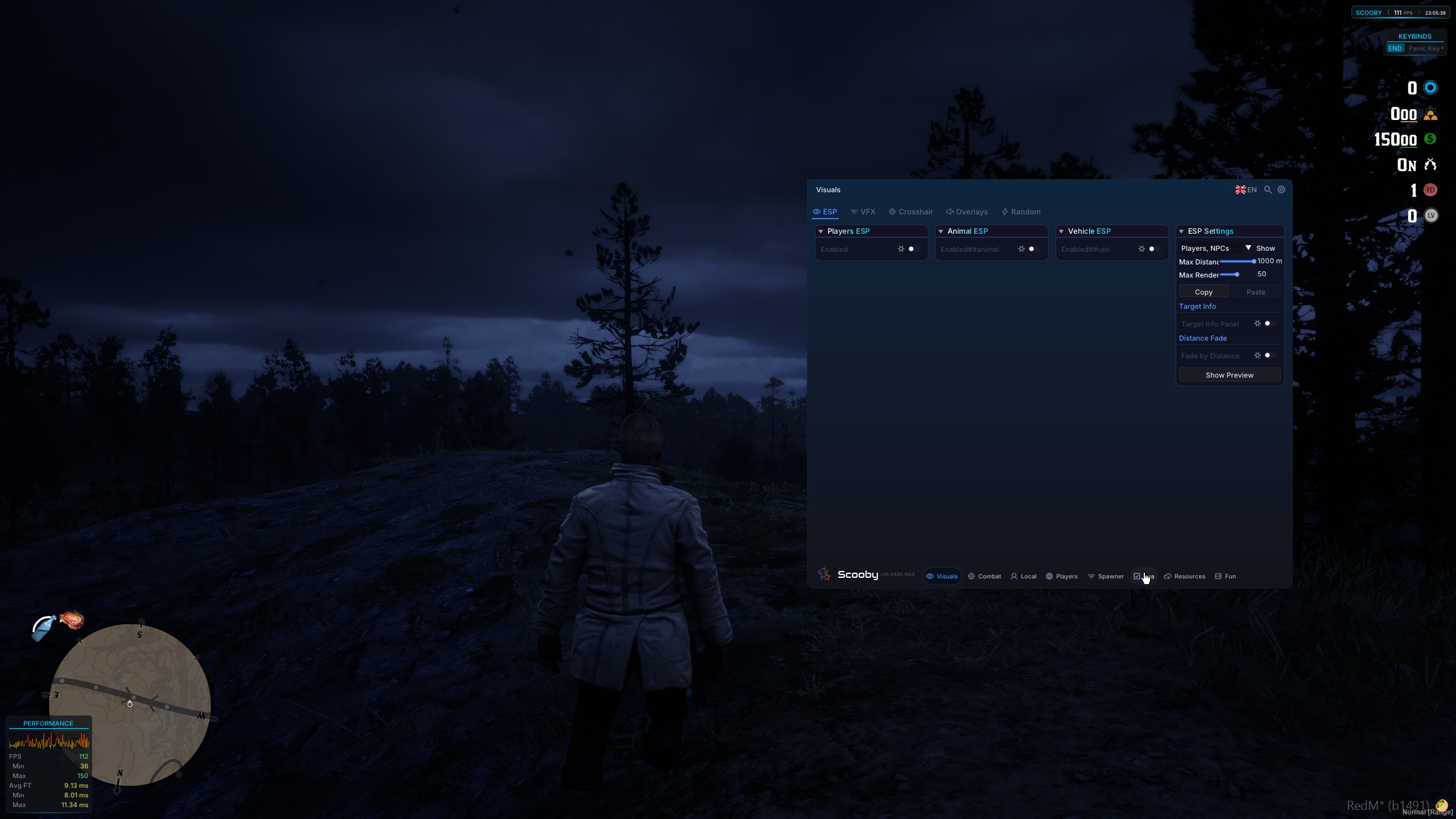
Launch RedM, join your server, and inject Scooby Menu with your executor. Wait for the Scooby UI to appear.
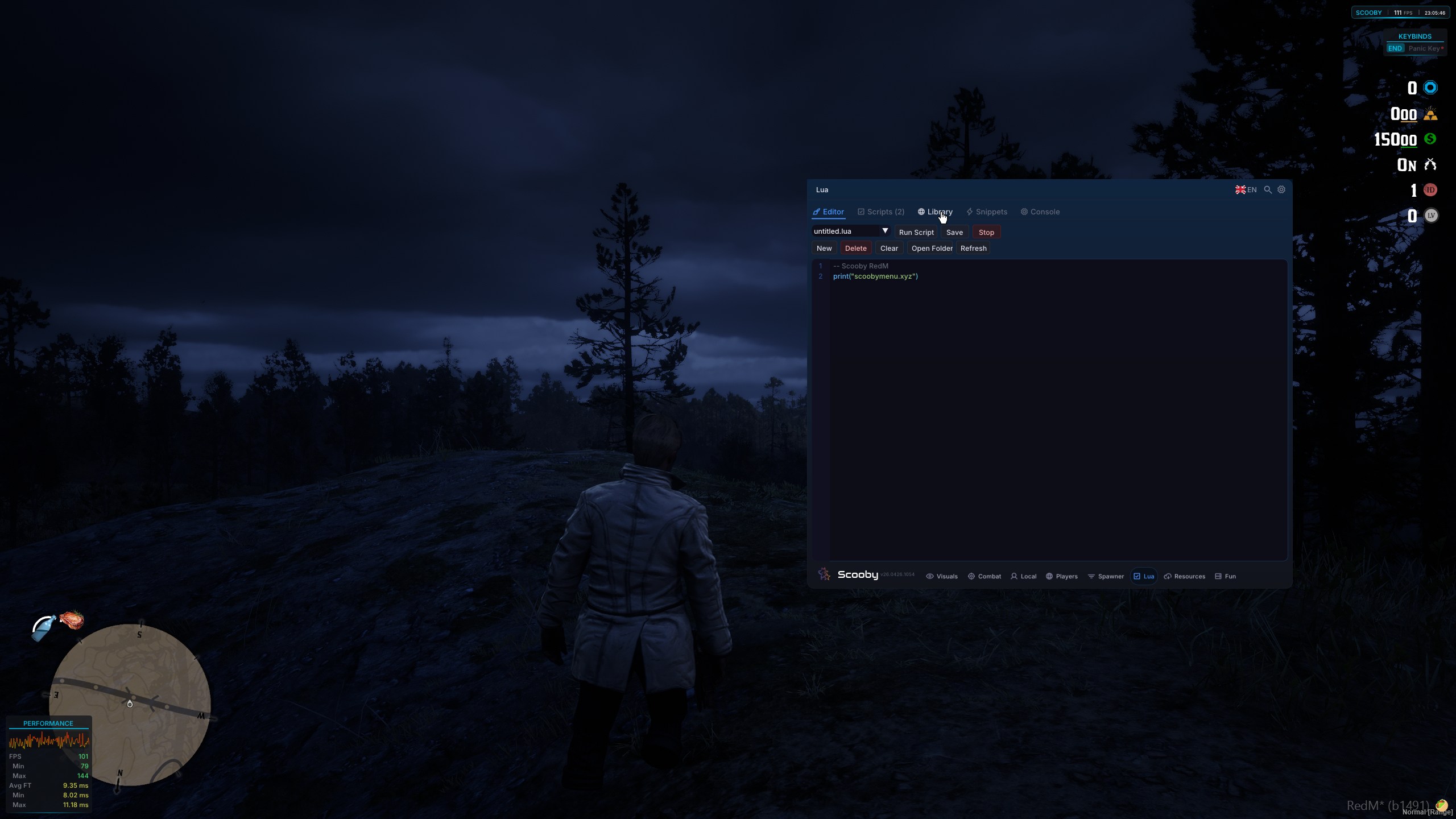
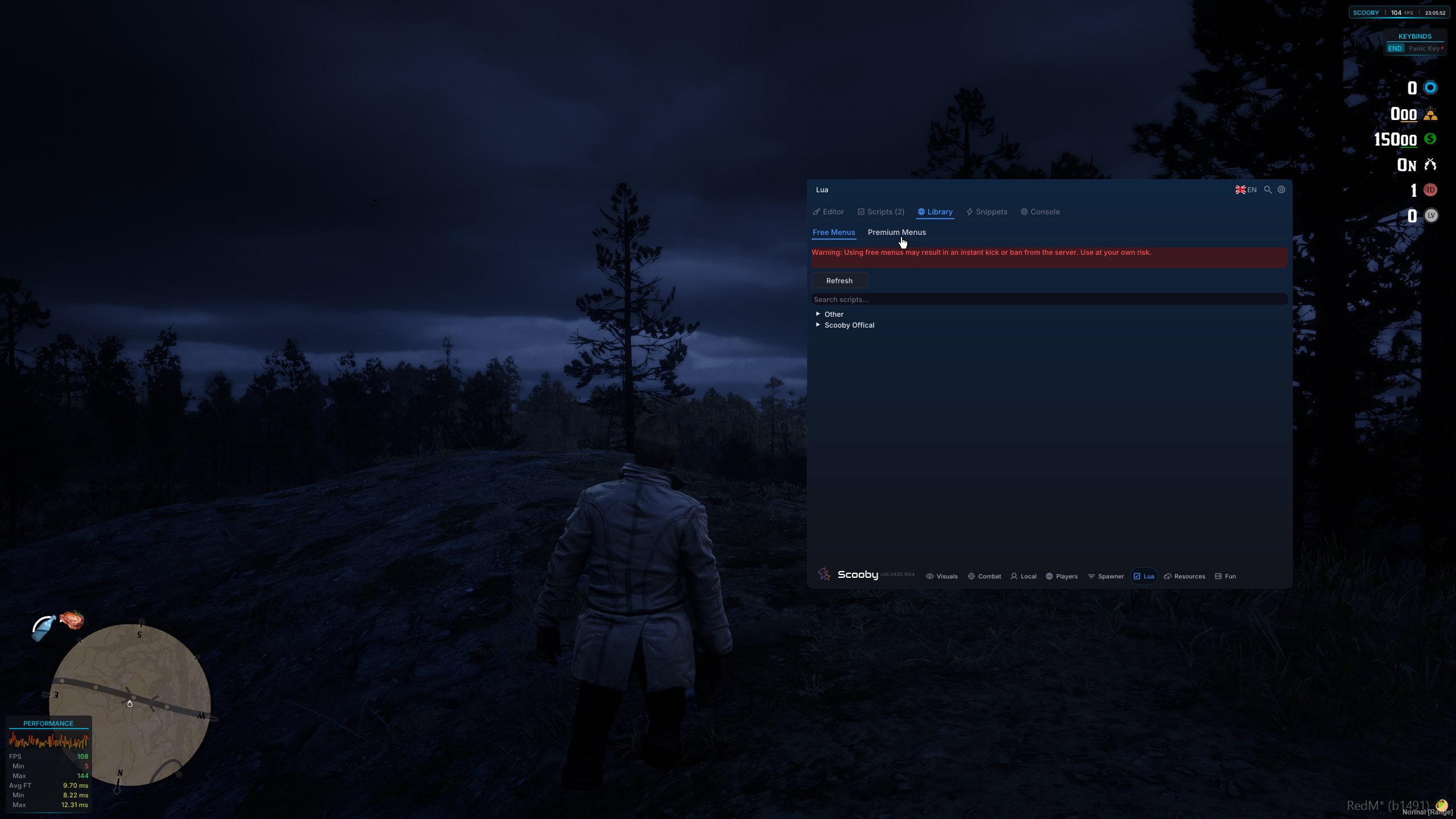
Inside the Scooby UI, navigate to the Lua tab, then click the Library subtab. This is where your installed scripts and extensions appear.
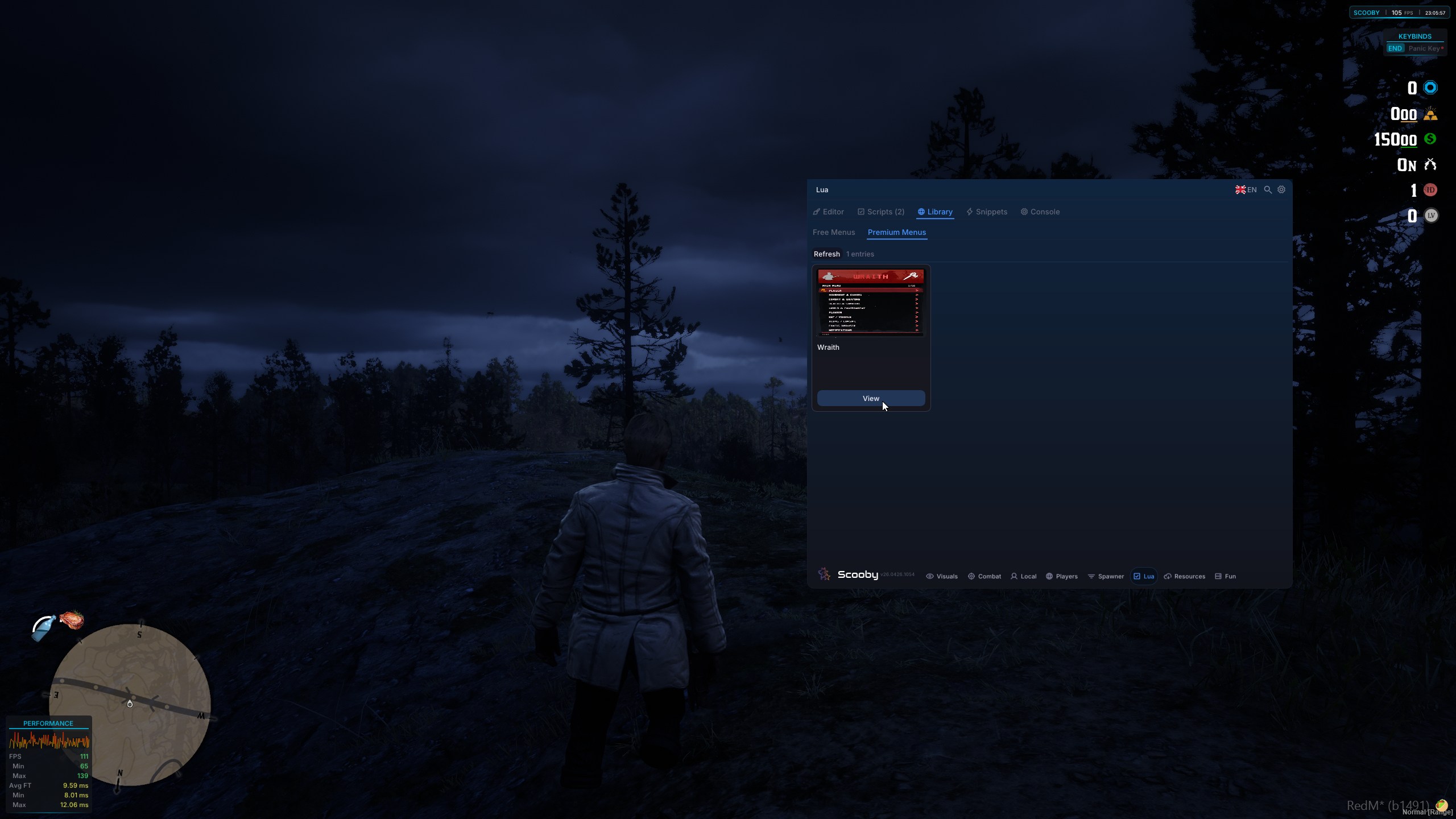
Inside the Lua tab, find the Premium Menus subtab. Wraith and other licensed extensions live here.
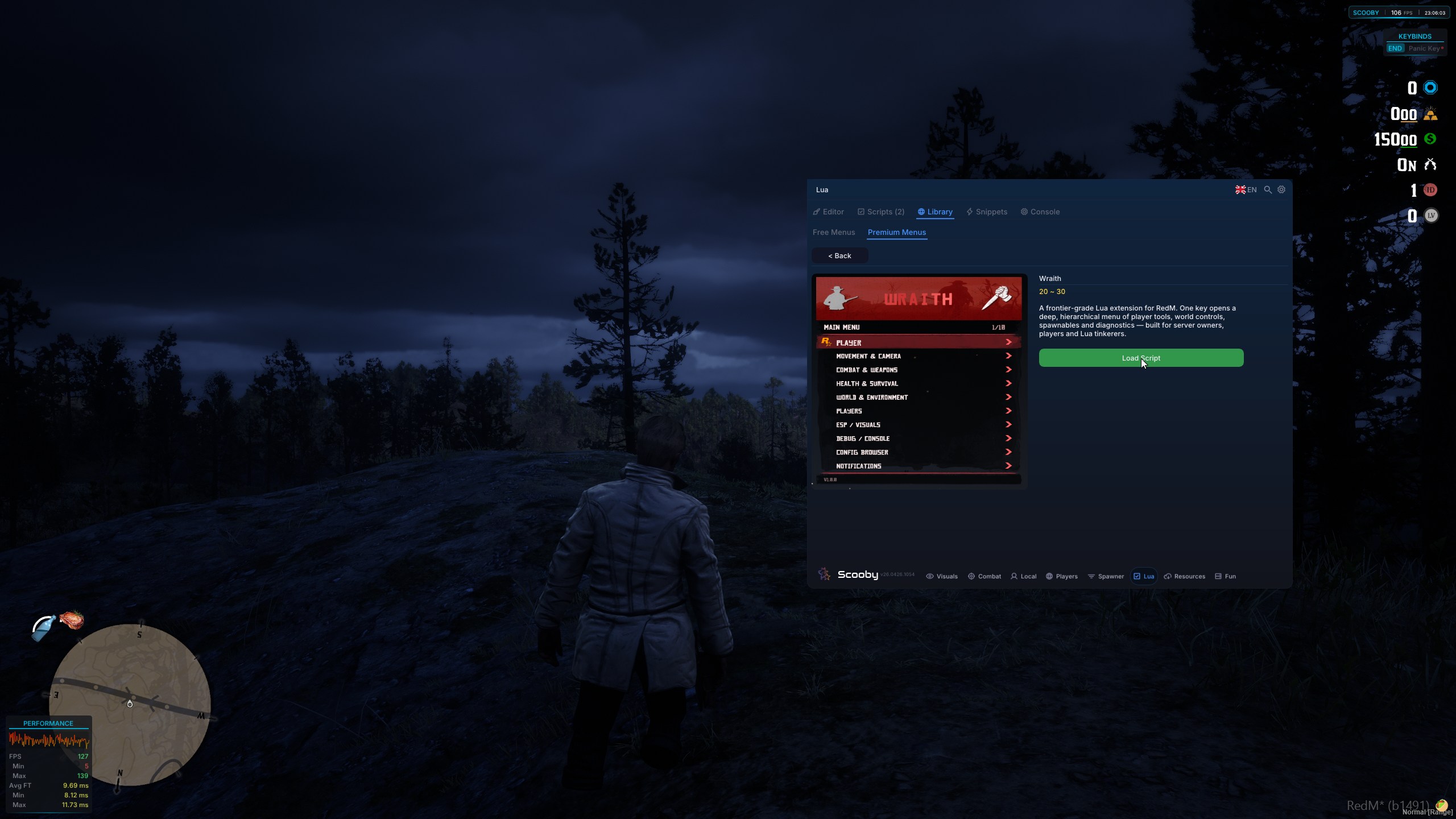
Locate Wraith in the Premium Menus list and hit the View button next to it. This brings up the load panel.
Hit Load Script. The wraith arrives. Your menu unlocks and you're free to ride. Welcome to the frontier.